Anime visual workflow
Create stronger anime scenes with oiioii for anime
oiioii for anime can help turn a rough visual idea into a clearer character, environment, or story moment. Use a focused brief, review each result, and keep creative decisions in your hands.
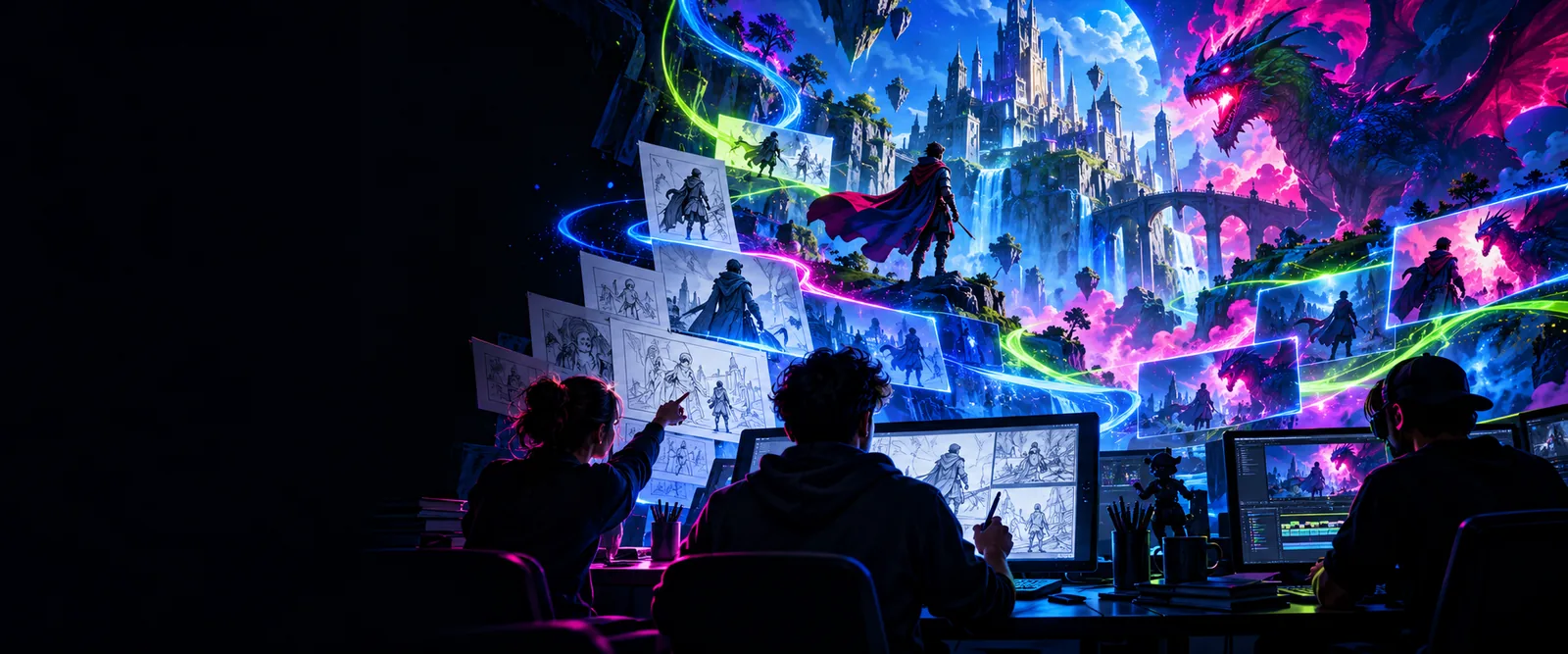
Choose your path
The anime workflow pain starts before generation
Anime projects often lose time when character details, camera direction, and visual references are left vague. A repeatable brief makes each oiioii experiment easier to judge and refine.
Three workflows
Three concrete workflows for anime projects
These workflows keep the prompt focused while leaving room for iteration. Start with one purpose, then improve the visual brief instead of changing everything at once.
-
1
Shape the character brief
Name the role, age range, silhouette, clothing, expression, lighting, and setting. Specific visual anchors help an anime character feel intentional rather than generic.
-
2
Build the scene around action
Describe what is happening, where the camera is placed, and what the viewer should notice first. Add atmosphere, color direction, and a clear focal point.
-
3
Review and refine the frame
Compare the result with your brief, then adjust one variable at a time. Check anatomy, readable expressions, background continuity, and whether the image supports the story.
Example output
See the difference a clearer anime brief can make
The comparison is a visual prompt exercise, not a promise that every generation will match the final reference. The useful lesson is to move from a broad idea toward observable scene details.
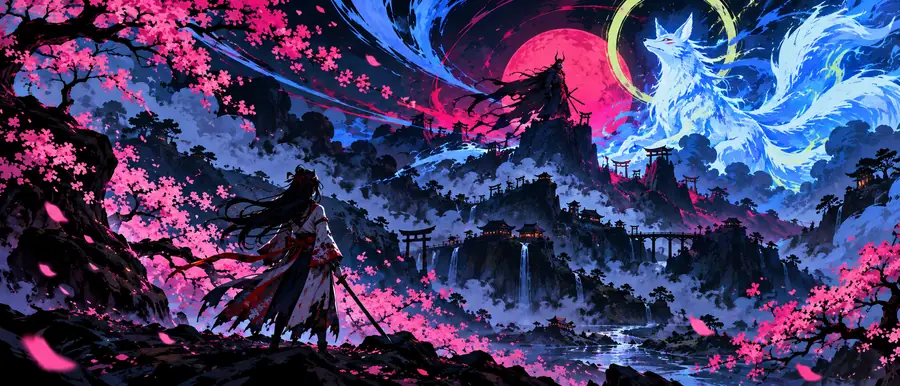 Broad concept
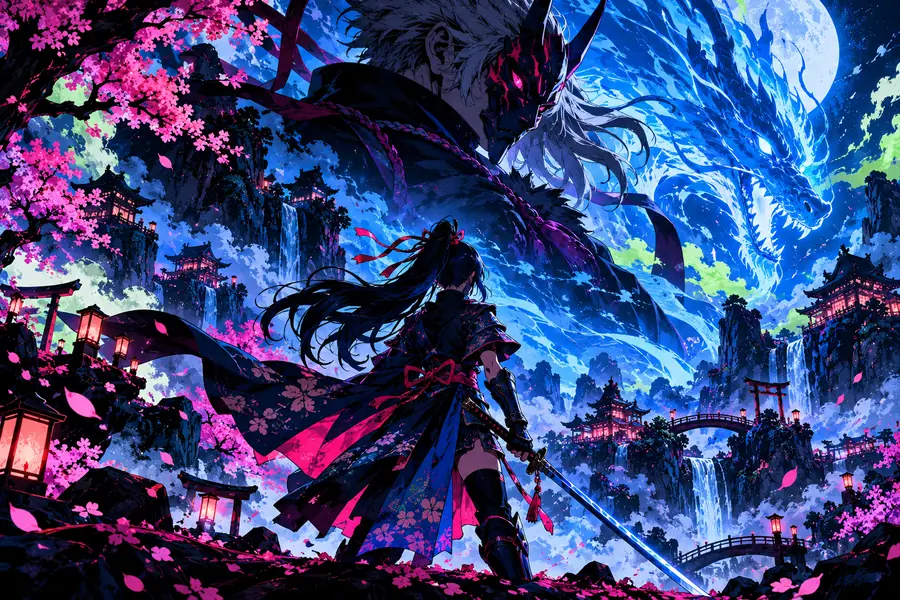 Refined direction
Compliance notes
Compliance notes for anime-inspired work
Use the table as a publishing checklist. It separates creative direction from rights and review questions so an anime project can be developed with fewer avoidable surprises.
- Loose visual brief
- Responsible production brief
Character direction
Loose visual brief
A recognizable style label with no original design details
Responsible production brief
Original traits, clothing, pose, expression, and setting described in your own words
Reference material
Loose visual brief
Unclear source, ownership, or permission
Responsible production brief
References you created, licensed, or are clearly allowed to use
Living artists
Loose visual brief
A direct request to imitate a named contemporary artist
Responsible production brief
Describe observable qualities such as line weight, palette, pacing, or composition
Existing characters
Loose visual brief
Assuming a generated result is automatically approved for publication
Responsible production brief
Check the character, franchise, and platform rules before commercial or public use
Personal likeness
Loose visual brief
Using a real person's face without clear permission
Responsible production brief
Use an original fictional subject or obtain appropriate consent
Final review
Loose visual brief
Publishing the first result without checking details
Responsible production brief
Review anatomy, text, logos, sensitive content, and unwanted similarities
A simple review lens
- Keep the main character or visual focus clear
- 1 subject
- Give the frame one readable story moment
- 1 action
- Change one major variable before comparing results
- 1 revision
Start with a scene
Give your anime idea a more useful first brief
Describe the subject, action, setting, camera view, mood, and important visual details. Then review the result as part of your creative process, not as a finished promise.
Create an anime scene- Start with an original character or clearly permitted reference
- Use concrete visual details instead of relying on a style name alone
- Review every output before sharing or publishing
Scenario FAQ
Questions about oiioii for anime
It can be used as part of a character-concept workflow when you provide a clear, original brief. Describe the character's role, silhouette, clothing, expression, pose, and setting, then review the result for consistency and unwanted similarities.
Start with the subject and action, then add camera position, environment, lighting, mood, color direction, and important design details. A focused prompt is easier to evaluate than a long list of disconnected adjectives.
A safer approach is to describe the visual qualities you want rather than requesting a direct copy of a living artist's style or a protected character. Use original traits, neutral production language, and references you have permission to use.
No result should be treated as automatically publication-ready. Check character similarity, logos, text, anatomy, sensitive content, rights to references, and the rules of the platform or project where you plan to use it.
Yes, a scene brief can focus on the environment, lighting, camera angle, and action rather than only the character. For continuity, keep a written record of the key setting and design details you want to preserve across revisions.