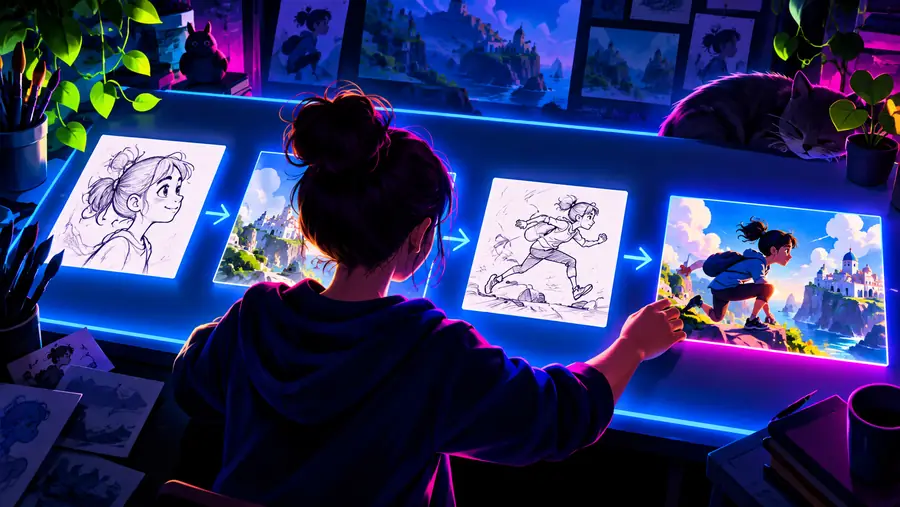
Begin with a brief

A clear oiioii tutorial for beginners

This oiioii tutorial for beginners walks from a small video idea to a reviewed result without assuming prior experience. Start with one focused scene, describe the motion and mood, then improve only the parts that need attention.

Prompt is handed to the partner
Abstract Oiioii video creation scene

Continue exploring

Related Oiioii paths

Use these focused guides when your first experiment raises a question about the tool, its community, or a particular creative direction.

Set expectations

Prerequisites

You do not need a production background, but a little preparation makes the first result easier to judge and revise.

A vague idea is not enough

A request such as “make something cool” leaves too many creative decisions open. The result may be usable, but it will be difficult to tell what went wrong.

Workaround

Name one subject, one action, one setting, and one mood before writing the prompt.
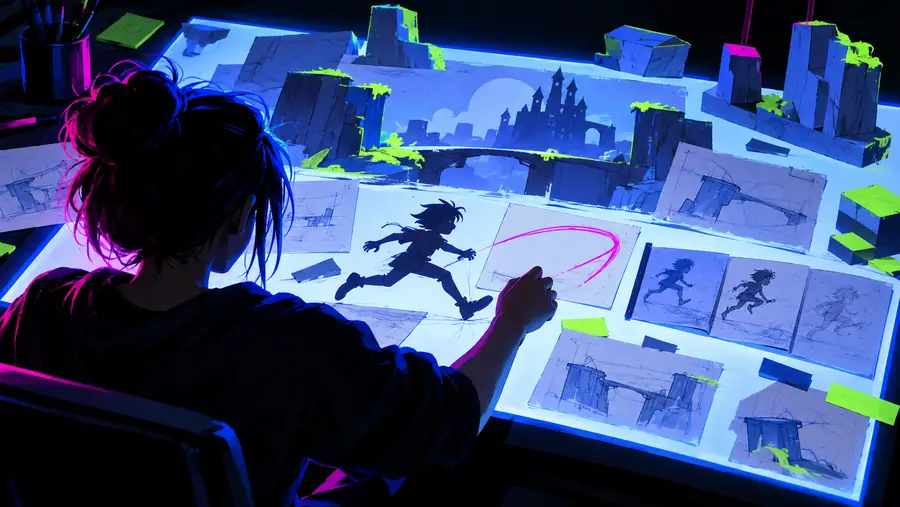
One prompt may not solve every detail

Small elements such as hand movement, readable text, exact costumes, or precise camera timing can vary from one result to another.

Workaround

Treat the first output as a draft and revise one visual priority at a time.

The tutorial cannot verify unsupported claims

A generated clip can look convincing without proving that a scene, person, event, or product detail is accurate.

Workaround

Use generated footage for ideation or storytelling, and verify factual material separately before publishing.

The starting route may not expose every control

The handoff experience can differ from the examples used in this guide, so a button, setting, or review step may appear in another place.

Workaround

Keep the creative brief portable: save the prompt, target duration, aspect ratio, and notes outside the tool.

The first workflow

Numbered steps

Keep the first session deliberately small. A short, single-scene experiment teaches more than a complicated brief with several characters and locations.

  1. 1

    Choose one visual moment

    Write a sentence about the moment you want to see, not a whole film. For example: a cyclist pauses beneath a glowing bridge while mist moves across the road. Decide what the viewer should notice first.

  2. 2

    Add visible direction

    Turn the idea into a prompt with subject, action, setting, camera movement, lighting, and mood. Prefer observable language such as “slow side-tracking shot” or “warm light on wet pavement” over abstract instructions like “make it amazing.”

  3. 3

    Review the result

    Watch once for the overall feeling, then watch again for continuity. Check whether the subject stays recognizable, the movement matches the request, and the framing gives the main action enough room.

  4. 4

    Revise one variable

    Change only the most important weakness. If the camera is right but the setting is wrong, keep the camera language and rewrite the setting. Isolating changes helps you understand which words influence the result.

Learn by comparison

Common errors and fixes

The difference between a frustrating first attempt and a useful draft is often a clearer brief, not a longer one. Compare the rough request with the more directed version below.

Rough beginner video prompt shown as an unfinished scene Loose brief
More directed cinematic scene with a clear subject and setting Directed brief
The stronger version gives the subject, action, setting, camera, and mood a clear order.

Improve with intention

Advanced tips

Once the basic workflow feels familiar, use these checkpoints to make revisions more deliberate instead of adding adjectives at random.

The site manifest identifies English, French, Spanish, Portuguese, Japanese, and German experiences.
6 locales
Review subject continuity, movement, framing, and mood before deciding what to revise.
4 checks
Change one major variable per revision so the effect of each prompt change stays understandable.
1 priority

Practice by goal

Where beginners can apply the workflow

The same four-part method works across different creative starting points. Pick the card closest to your project, then keep the first brief narrow.

Story experimenter

You have a single scene from a short story and want to see its atmosphere before planning a longer sequence.

Describe the place, the character’s visible action, and one camera movement so the first result answers a specific visual question.

oiioii ai

Open-source researcher

You are evaluating references, projects, or technical discussions and need a clear way to record what each experiment was meant to test.

Save the original prompt beside the output and label each revision by the one change it introduces.

oiioii github

Anime creator

You want to test a stylized character moment without beginning with a full episode, cast, or world bible.

Start with one character, one gesture, and one environment, then check whether the visual identity survives the motion.

oiioii for anime

Video reviewer

You are comparing a first attempt with a later draft and want your comments to be specific rather than based on general impressions.

Review the subject, action, camera, and mood separately, then describe the next revision in one sentence.

oiioii review youtube

Turn one idea into a useful first draft

Bring a focused scene, not a perfect production plan. The partner route can take your brief forward, while the workflow above gives you a practical way to review and refine what comes back.

Try the workflow
  • Start with one visible moment
  • Keep the original prompt for comparison
  • Revise the biggest weakness first

Beginner questions

Tutorial FAQ

These answers cover the decisions that usually matter most during a first session: what to write, how to revise, and how to judge an early result.

Start with the subject, its visible action, the setting, and the mood. Add a simple camera direction or lighting cue when it matters, but avoid stacking many unrelated ideas into the first request.

A prompt should be long enough to remove ambiguity, not long enough to become a screenplay. One or two clear sentences covering the subject, action, setting, camera, and mood are a practical starting point.

Generated video interprets language rather than following every word as a locked production instruction. Vague descriptions, competing actions, and highly specific details can all create variation, so revise the most important mismatch first.

Usually, no. Keep the parts that worked and change one major variable, such as the camera movement, setting, or subject action. This makes the next result easier to compare with the first.

Yes, the same workflow can support stylized scenes, but begin with one character and one action. The dedicated oiioii for anime guide is useful when you want to focus more closely on illustrated character direction and visual consistency.

Keep it when the main subject is recognizable, the requested action is readable, and the mood supports your purpose. Minor imperfections may be acceptable for ideation; publishable work needs an additional review for continuity, rights, and factual accuracy.

Start creating
Start creating